
Your backlink API plays an important role in building your own tool and also in scaling your marketing agency.
Instead of paying for full software subscriptions, many are moving toward platforms that offer flexible, pay-as-you-go data access.
Some Backlink API solutions like SE Ranking and DataForSEO work with credit-based systems and you can access backlink data without paying for a full SEO tool subscription. On the other hand, tools like Ahrefs and Semrush still have larger backlink databases. But their pricing and usage limits can make it harder for teams to automate their workflows or scale.
We compared 5 vendors on pricing, API units, rate limits, and the data each endpoint returns. Every price below was checked on the vendor’s live pricing page and API documentation in November 2026.
Quick Overview: Which One Is Best for You?
- Best overall: SE Ranking – pay-as-you-go from $50, 1 credit per link
- Best for link history: Majestic – records going back to 2006
- Best for teams already on Ahrefs: Ahrefs – API access included from $129/month
- Best for enterprise: Semrush – the most detailed fields on every row
- Best budget subscription: SEO PowerSuite – 5 million units for $149/month
Quick Comparison Table: Pricing, Data, and Limits
| Features | SE Ranking | Majestic | Ahrefs | Semrush | SEO Powersuite |
| API entry cost | $50 pay-as-you-go | $399.99/mo | $129/mo (Lite) | $499.95/mo plus units | $149/mo |
| What you get at entry | 250,000 credits | 100 million analysis units | 200,000 units | Access only, units sold separately | 5 million units |
| Cost of one row | 1 credit | Analysis units, varies by command | 1 unit per field, 50-unit minimum per request | 45 units | 1 unit |
| Data refresh | Monthly | Updated through the day | Not stated on the pricing page | Not stated in the API docs | 4.2 million page crawls per minute |
| Response format | JSON, XML | JSON, XML | JSON | JSON, CSV | JSON |
| Subscription needed | No | Yes | Yes | Yes | Yes |
What Is a Backlink API and What Data Can It Provide?
It gives you programmatic access to a backlink index. Instead of opening a backlink checker dashboard and exporting a CSV, your script calls an endpoint and gets the results back as JSON.
With it you can:
- Pull the complete backlink profile of any site or URL.
- Get the number of backlinks and referring domains for a target.
- Check anchor text, link type, and dofollow or nofollow status.
- Track newly gained and lost backlinks.
- Read authority metrics for a page or a whole site.
- See referring IPs and subnets.
- Run a bulk check across hundreds of sites.
A good backlink API provider also shows the quality of backlink sources, not just raw counts. You can retrieve datasets of any size via API, keep them in your own data storage, and hold a comprehensive and up-to-date view of every site you track.
How Can You Use It to Analyze and Monitor Links?
The main use case is automation. Here is how most teams put it to work:
- AI citations: Pair it with an AI visibility tool to see which pages ChatGPT, Perplexity and Google AI Overviews cite, then check their backlink profiles to learn what helps a page get picked up.
- Client reporting: Agencies feed link counts into dashboards and reports.
- Product features: SaaS teams build backlink analysis into their own SEO tools.
- Link-building: Outreach teams find new opportunities and catch lost links early.
- Anchor audits: Analysts check anchor text and link type across a massive profile in one run.
- Competitor research: You compare your site against competitors and pull only the data you need.
How We Compared These Vendors
We looked at each provider from a developer’s point of view. We went through the live pricing pages and the API documentation of every vendor.
We compared them on five things:
- Real cost: What you pay to start, and what one row costs in units.
- Data: Which reports and metrics you get.
- Freshness: How often they crawl the web, and whether you get historical data or only live backlinks.
- Limits: Request caps and the number of rows per call.
- Setup: How fast you can make the first call.
We did not run speed benchmarks. All numbers come from the vendors’ own pages.
The 5 Best Vendors for SEO Professionals in 2027
1. SE Ranking: Best Overall
Best for: Agencies and devs who need link data but don’t want to pay for a whole platform.
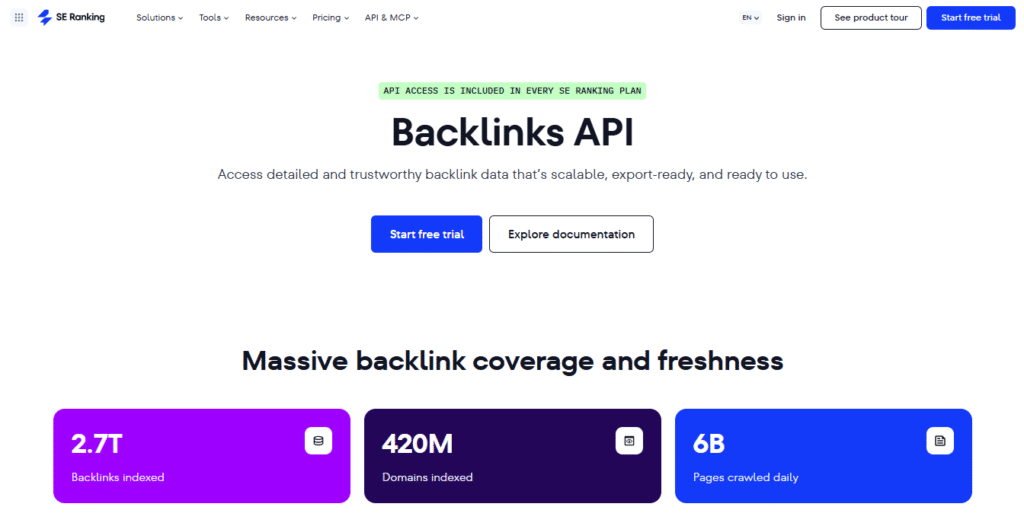
With SE Ranking, you pay as you grow. One credit gets you one link, and if a request fails, you’re not charged for it.
You get 24 endpoints through one key. The same key also works for keyword, site audit, and AI search data, so you don’t need a second vendor for your SEO data later.
What It Can Do:
- Pull full link lists with anchor, nofollow status, and first-seen date.
- Check totals for up to 100 sites in one request.
- Track new and lost links by date.
- Get the IP addresses and subnets behind those links.
- Check page and site authority, including its history.
- Export a full profile as a CSV file.
How To Set It Up?
- Create your SE Ranking account and open the API Dashboard.
- Click Create API Key and give it a name.
- Send the key in the Authorization header as Token YOUR_API_KEY and start making requests.
Pros:
- No subscription needed with pay-as-you-go
- Pay-as-you-go credits never expire
- Failed requests are not charged
- Up to 100,000 rows per page on the raw export
- JSON or XML responses
- MCP server included with every plan
Cons:
- Data refreshes monthly, not in real-time
- 10 requests per second by default (can be raised on request)
- No official SDKs
- Add-on and standalone plans are billed annually only
SE Ranking Pricing
| Plan | Price | Credits |
| Free trial | $0 for 14 days | 100,000 |
| Included with a plan | Core $129/mo, Growth $279/mo | 25,000 and 100,000 per month |
| Pay-as-you-go | From $50, one-time | 250,000 (never expire) |
| API add-on | From 540/year(45/mo), monthly billing also available | 3 million per year; 150,000 per month on monthly billing |
| Standalone API | From 2,148/year(179/mo) | 12 million per year |
| Enterprise | Custom | 120 million+ per year, from $30 per 1M credits |
One link, linking site, or anchor costs 1 credit. A full summary costs 100 credits per target, and a quick metrics check costs 10. You can test everything on the free trial first.
2. Majestic: Best for Historical Link Data
Best for: Link builders and domain traders who need Trust Flow and long link history.
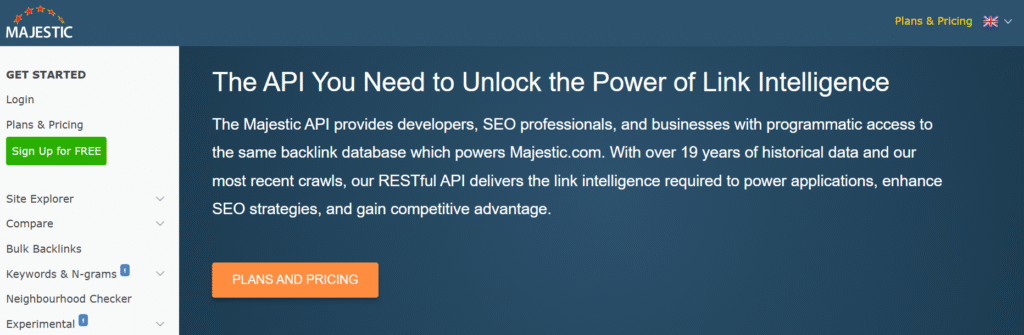
Majestic only does links, and its product reflects that. You get two databases to query. The Fresh Index is updated through the day, and the Historic Index goes back to 2006 with 21.7 trillion URLs found.
You pick one on every call with the datasource parameter. Majestic also gives you a free development sandbox, so you can test your code without spending units.
What It Can Do:
- Return Trust Flow, Citation Flow, and Topical Trust Flow for any URL or site.
- Pull backlinks, referring domains, and subnets.
- Switch between Fresh and Historic data with one parameter.
- Return responses in JSON or XML.
- Queue or batch requests on supported commands.
- Power your own apps for other Majestic users through OpenApps.
How To Set It Up?
- Subscribe to the top Majestic plan.
- Select Enable API in your account and copy your key.
- Call https://api.majestic.com/api/json and always pass datasource=fresh or datasource=historic.
Pros:
- Biggest historical database of the five
- Trust Flow and Topical Trust Flow, which nobody else has
- You can test in a free sandbox
- 5 users on one plan
- Ready-made connectors
Cons:
- $399.99 a month to start
- It only does links, so no keywords or audits
- You have three allowances to watch: analysis, retrieval and item units
- The Historic Index was last updated on 3 May 2024 when we looked
- Lite and Pro get a money-back guarantee, the API plan doesn’t
Majestic Pricing
| Plan | Monthly | Billed annually | Analysis units | Users |
| API | $399.99/mo | 333.33/mo(3,999.90/year) | 100 million per month | 5 |
| API (larger) | Shown in the plan selector | Shown in the plan selector | 300 million or 1,000 million | 5 |
| Custom monthly data | Custom | Custom | On request | Custom |
The API plan also includes 20 million retrieval units and 500,000 index item units each month. The Lite ($49.99/mo) and Pro ($99.99/mo) plans do not include API access.
3. Ahrefs: Best for Teams Already on Ahrefs
Best for: Teams that already pay for Ahrefs and want its data inside their own tools.
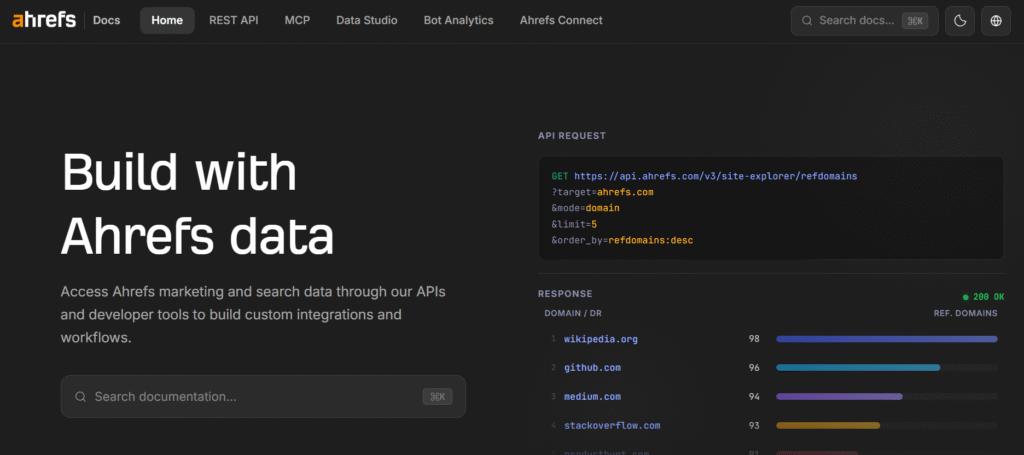
Programmatic access is no longer an Enterprise-only feature. Every plan from Lite up now includes API access and a monthly allowance of units.
The catch is how units are spent. Every request costs at least 50 units, and bigger requests are charged per row and per field. Some fields cost 5 or 10 units instead of 1, so the fields you select decide your bill.
What It Can Do:
- Pull all backlinks, referring domains, and anchors for a target.
- Find broken links and redirect chains.
- Get Domain Rating and its history.
- Track linking-site growth over time.
- Run batch analysis on many targets in one request.
- Show the unit cost of each request in the response headers.
How To Set It Up?
- Subscribe to Ahrefs Lite or above.
- Create a key in your account settings.
- Run your request on a free test target first and read the x-api-units-cost-total header to see what it will cost.
Pros:
- Included with every plan from Lite
- Cost of each request is visible in the response headers
- Requests served from cache are free
- Free test queries to estimate costs
- Extra pay-as-you-go units last three billing months
Cons:
- Every request costs 50 units at the very least
- Below Enterprise, one request returns only 100, 250 or 500 rows
- Pick an expensive field and your cost per row jumps
- Ahrefs doesn’t do discounts or trials
- For uncapped access, you’ll need Enterprise
Ahrefs Pricing
| Plan | Price | API units per month | Rows per request |
| Starter | $29/mo | Free test queries only | — |
| Lite | $129/mo | 200,000 | 100 |
| Standard | $249/mo | 800,000 | 250 |
| Advanced | $449/mo | 2 million | 500 |
| Enterprise | $1,499/mo (annual commitment) | 4 million or custom | Unlimited |
A request for 500 rows with a per-row cost of 12 units costs 6,000 units. The same request with only 1-unit fields costs 500.
4. Semrush: Best for Enterprise Teams
Best for: Large agencies and enterprises that already run on a Semrush Business plan.
Getting access to Semrush data is a two-step purchase. First you need the SEO Toolkit Business plan. Then you buy units on top, because your unit balance is still zero after you upgrade.
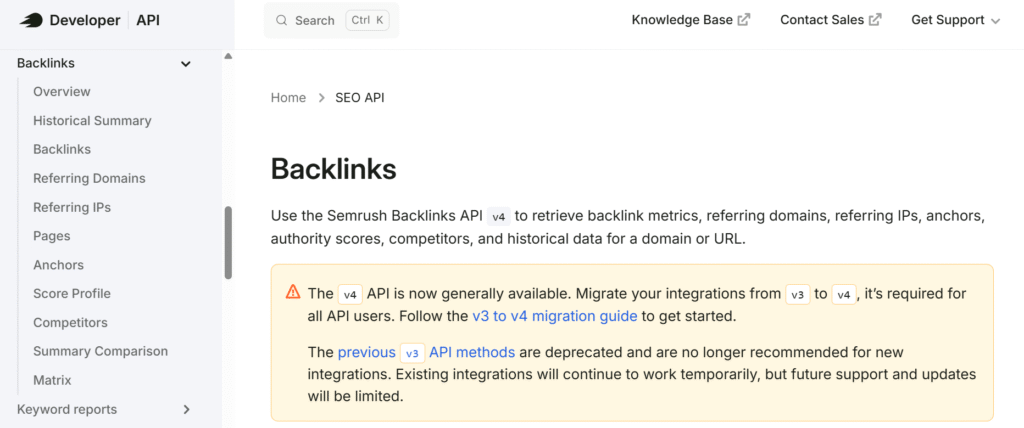
Its link reports have moved to v4. The older v3 methods are deprecated, so new integrations should start on v4 and existing ones need to migrate.
What It Can Do:
- Get detailed rows, with flags for sponsored, UGC and nofollow links.
- See the linking sites, anchors and indexed pages.
- Spot competitors through the linking sites you share.
- Put up to 10 targets side by side in a single request.
- Run a gap matrix on up to 6 targets.
- Get monthly history for Authority Score and link totals.
How To Set It Up?
- Upgrade to the Business plan.
- Buy a units package from the Subscription Info page and copy your key.
- Send the key as Authorization: Apikey YOUR_API_KEY to https://api.semrush.com/apis/v4/backlinks/v1/.
Pros:
- Every row comes with detailed fields
- Filters support AND, OR and LIKE
- You can get responses as JSON or CSV
- Competitor and gap reports are built in
- You can limit fields to keep responses small
Cons:
- Highest cost per row on this list
- The plan does not include any units
- No public price per unit
- v3 integrations have to be migrated to v4
Semrush Pricing
You need the Business plan at $499.95/month, plus a units package. Units are sold in packages of 2, 5, 10, or 20 million.
| Report | API units |
| Overview | 45 units per request |
| Link list | 45 units per line |
| Linking sites, anchors, pages, competitors, comparison, gap matrix | 40 units per line |
| Referring IPs | 20 units per line |
| Authority Score profile | 1 unit per line |
Pulling 1,000 rows costs 45,000 units. A 2 million unit package covers about 44,000 rows.
5. SEO PowerSuite: Best Budget Subscription
Best for: Developers who want a flat monthly plan for link data only.
SEO PowerSuite sells this as a separate product from its desktop software. You don’t need a SEO PowerSuite license to use it.
The billing is easy to follow. You don’t pay for requests, only for the results that come back. One link is one unit, and sorting or filtering doesn’t cost extra. Its backlink index has 6.5 trillion external links from 400 million sites.
What It Can Do:
- Pull backlinks, referring domains, anchors, and source pages.
- Track new and lost links.
- Return InLink Rank and Domain InLink Rank scores.
- Download everything for a target in bulk.
- Use the data white-label in your own product.
- Connect to Google Sheets.
How To Set It Up?
- Request a trial or buy a plan.
- Get your key and open the API documentation.
- Start with get-metrics or get-backlinks and check your balance with get-subscription-info, which is free.
Pros:
- Lowest monthly entry price for a links-only product
- 1 unit per link, with no request or sorting fees
- White-label use allowed
- Free trial on request
- Both live and past data
Cons:
- Links only
- Documentation is a PDF, not an interactive reference
- A summary request takes 60 units per result
- For Looker Studio, you have to build the connector yourself
SEO PowerSuite Pricing
| Plan | Price | Units | Price per 1,000 units |
| 5M | $149/mo | 5 million | $0.03 |
| 20M | $349/mo | 20 million | $0.0175 |
| 100M | $899/mo | 100 million | $0.009 |
| Custom | On request | Larger volumes | Custom |
Raw data methods take 1 unit per result. Counts take 10 units, calculated metrics 30 per URL, and a summary 60.
Which One Should You Pick?
It depends on how much data you need and how steady your usage is.
- You are building a tool or testing an idea: Start with SE Ranking. $50 gets you 250,000 rows and the credits don’t expire.
- You pull the same large volume every month: SEO PowerSuite gives the lowest cost per link on a subscription.
- You need link history going back years: Majestic is the one to pick.
- Your team already works in Ahrefs or Semrush: Use the platform you already pay for. It fits your SEO workflow and keeps everything on one data source.
If none of these fit, DataForSEO is another pay-as-you-go option worth checking.
Frequently Asked Questions
1. What is a backlinks API?
It is a service that lets your code pull link data from a provider’s database. The API provides backlinks, referring domains, anchor text, and authority metrics as structured data.
2. How much does it cost?
From $50 one-time on SE Ranking to $499.95/month plus units on Semrush. SEO PowerSuite starts at $149/month, Ahrefs at $129/month, and Majestic at $399.99/month.
3. Are there free options?
Not for production use. But you can test for free. SE Ranking has a trial account, Ahrefs has free test queries, Majestic has a sandbox, and SEO PowerSuite gives a trial on request.
4. How frequently is the data updated?
It depends on the vendor. SE Ranking refreshes monthly. Majestic updates through the day. SEO PowerSuite reports 4.2 million page crawls per minute.
5. Can I bulk-check multiple domains in one request?
Yes, you can. SE Ranking lets you send up to 100 targets in one summary or metrics request. With Semrush, it’s up to 10 targets per call.
6. What are the rate limits?
It differs by vendor. SE Ranking allows 10 requests per second per key. Ahrefs caps the rows per request by plan, from 100 on Lite to unlimited on Enterprise.
7. Can I get the full list of links and referring domains?
Yes. SE Ranking has a raw export that returns up to 100,000 rows per page, and SEO PowerSuite has a method to download everything for a target.
8. What happens if I run out of credits?
Requests stop working until you buy more or your allowance resets. SE Ranking returns a 403 Insufficient funds error and does not charge for that request.
9. Can I connect it to Google Sheets?
Yes. SEO PowerSuite has a guide for its Google Sheets integration. SE Ranking works with n8n, Make and Data Studio, so you can push link data into a sheet without writing code.
10. Does it provide historical data or only live backlinks?
Most give both. Majestic keeps a separate archive, SEO PowerSuite returns both, and SE Ranking tracks new and lost backlinks by date.